Hi, Friends today we are here to tell you about how you can download and use Genuine Microsoft Windows For your PC and Laptops.
As you all know that today there are many websites providing different versions of Windows, but some of the windows do not work properly after download. Some have temporary problems and many people download windows up to 15 GB(all windows setup) and it’s not a guarantee that it will work.
So today we will tell you about an awesome trick for Downloading windows and that too genuine.
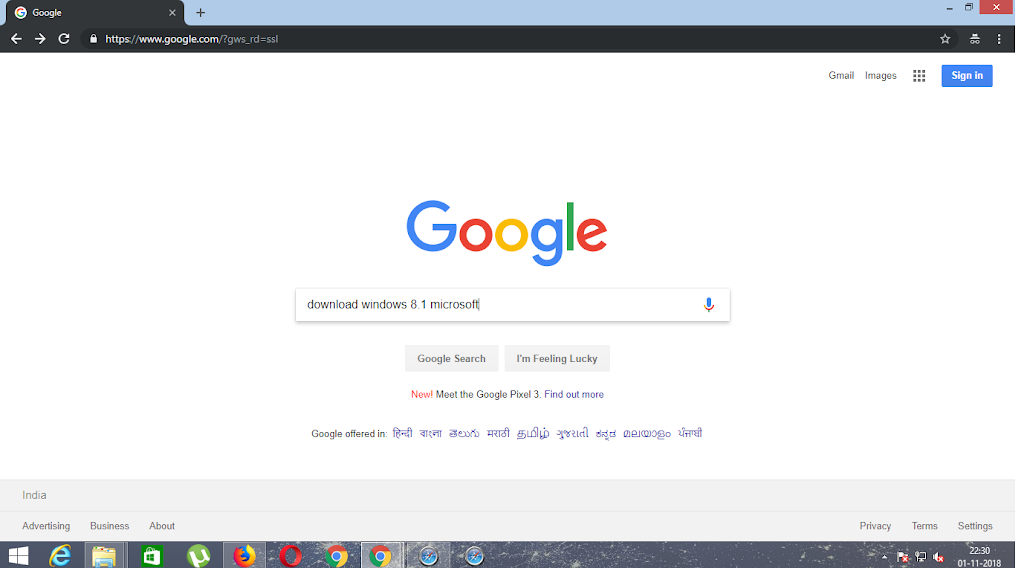
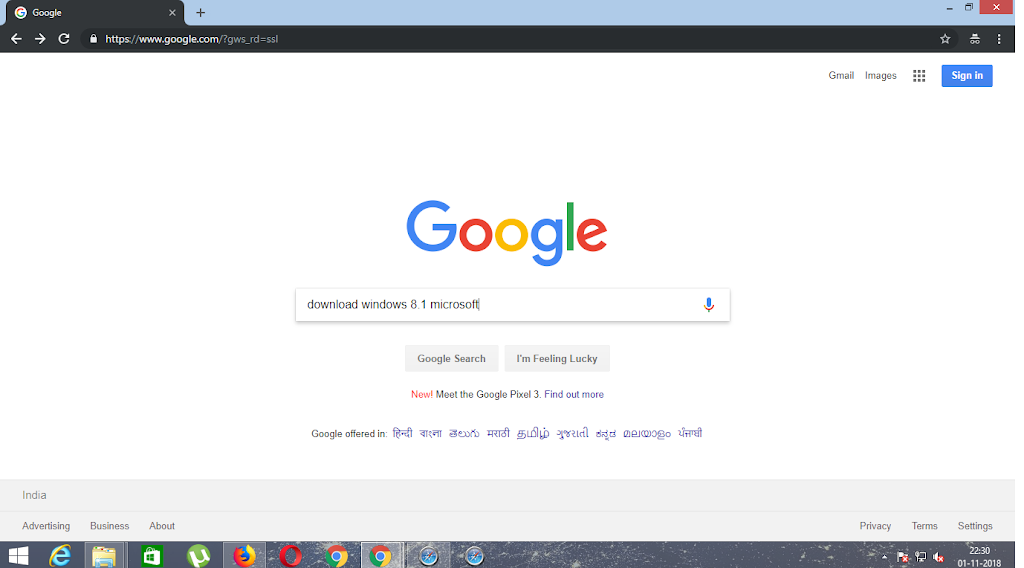
Step 1:- First of all go to www.google.com and search download windows (that you wanna download)for PC Microsoft.
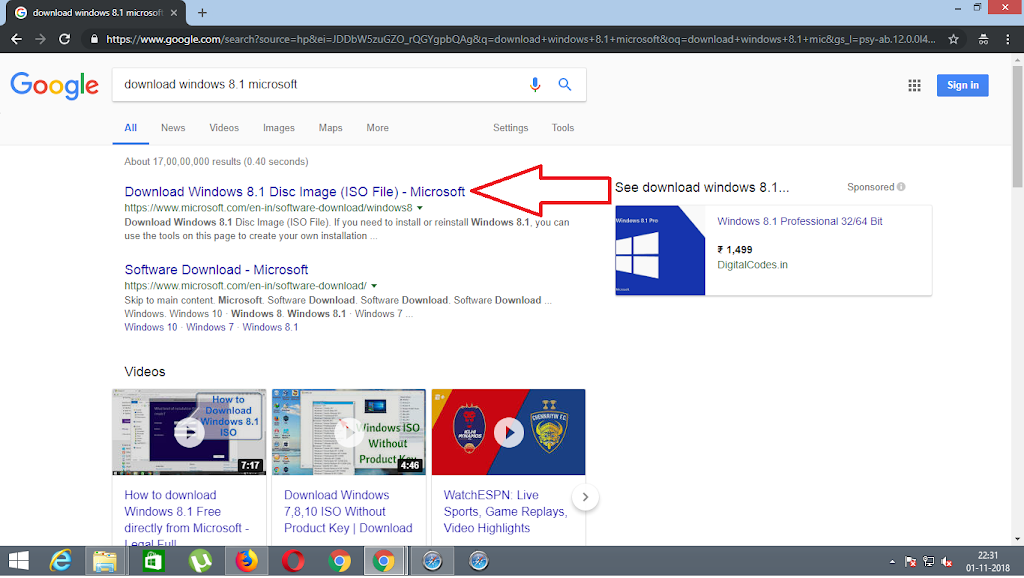
Step 2:- Open the Microsoft Company’s original website link and then scroll downwards.
Step 3:- When you scroll downwards you will be asked to select an edition of the window that you want to download for your PC or your Laptop.
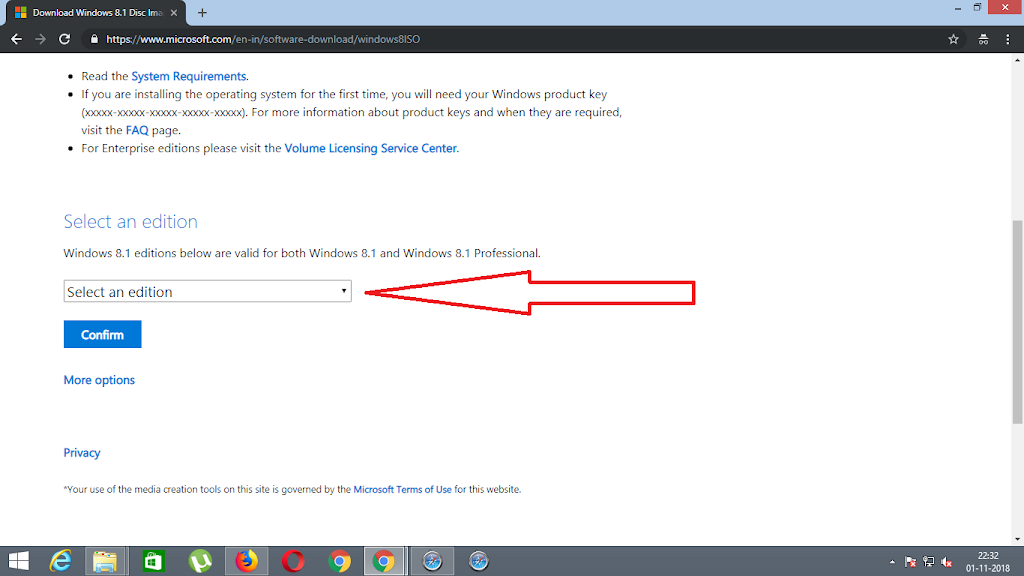
Step4:- Then select the edition you want to download and click on the confirm button. After you click on the confirm button the website will validate your request in just several minutes.
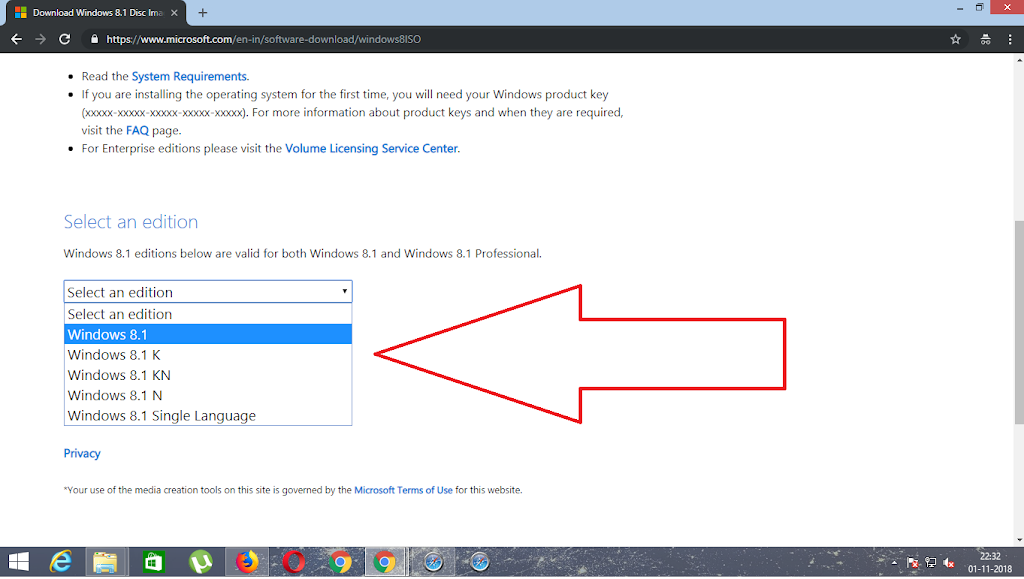
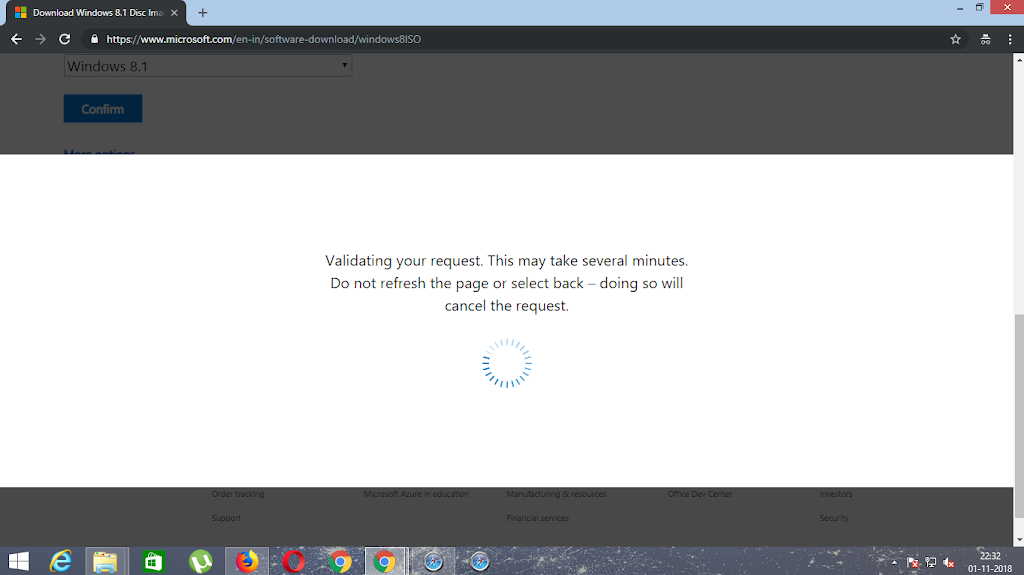
Step5:- After the validation, the downloading will start and note that the file of windows which you have downloaded will be an ISO file. And If you want to how to convert an ISO file to bootable windows file, then clickhere.
Step 6:- After that just install that windows and on startup, it will ask you for the product key. So for all of you, we have given genuine Windows 8 and Windows10 product key.
WINDOWS 8 PRODUCT KEY:- XWCHQ-CDMYC-9WN2C-BWWTV-YY2KV
WINDOWS 10 Pro PRODUCT KEY:- VK7JG-NPHTM-C97JM-9MPGT-3V66T
2 thoughts on “How to Download Microsoft Windows 10.”